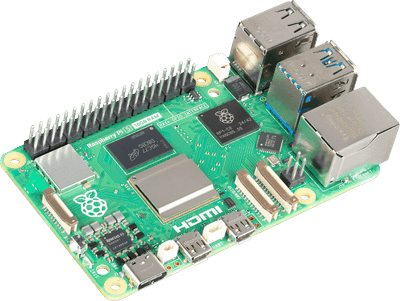
A Linux board
Almost certainly the one already in your drawer. A Pi 4 is fine, and it does not have to be a Pi at all.
The kit brings the cooler and a case, but no power supply and no SD card. Read the box before you buy it.
what to look for ↓the shopping list
Perch was built to give a board you already own a second life, so check the drawer before you check out. Three things make it work and two of those are probably on a shelf behind you. If you are starting from nothing, the whole build runs about $160 CAD, and the parts below are the ones the original is running on right now.
An old Pi 3 or 4 gathering dust is a Perch. So is a spare monitor, an HDMI panel from an abandoned project, or the screen off a retired tablet rig. The grid is proportional and the console previews whatever size the panel reports, so it does not have to be 800×480. The mic and the speaker are only for the talk button, and everything else works without either.
Any Linux board that drives a screen runs this: an Orange Pi, a Radxa, a Le Potato, a thin client, an old laptop with a broken keyboard. The installer automates Raspberry Pi OS; every other board is the same app plus one manual kiosk step, written down in docs/OTHER_BOARDS.md.
A board and something to show it on. Both can come out of a drawer.
Almost certainly the one already in your drawer. A Pi 4 is fine, and it does not have to be a Pi at all.
The kit brings the cooler and a case, but no power supply and no SD card. Read the box before you buy it.
what to look for ↓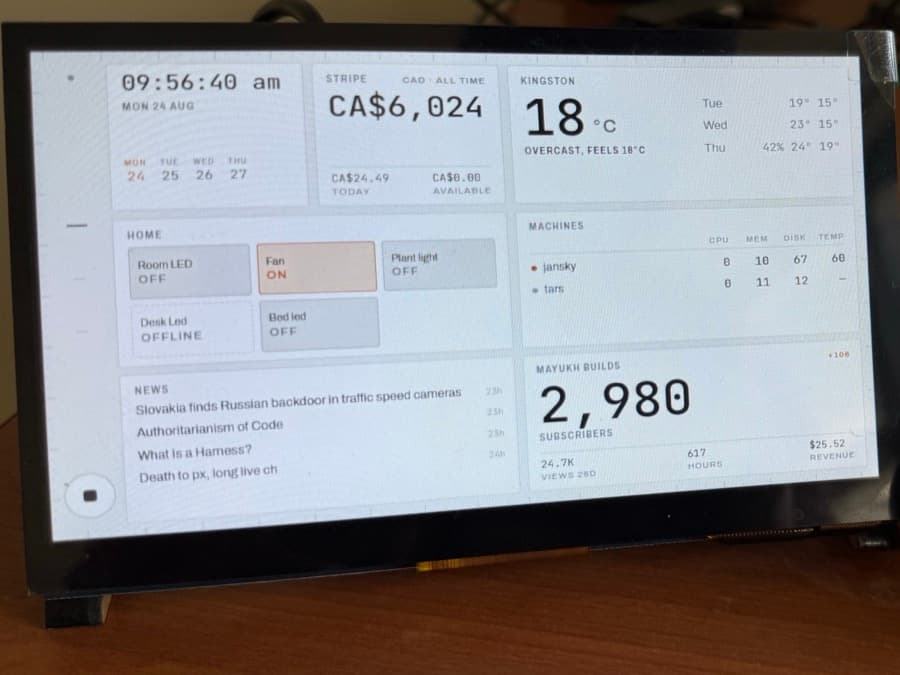
The one part worth buying new. Any spare monitor works too, and the grid resizes to whatever it finds.
The same listing sells a cheaper TN panel. Take the IPS one: you look at a desk display from the side, and TN washes out the moment you do.
what to look for ↓Only the talk button needs these. Skip both and everything else still works.
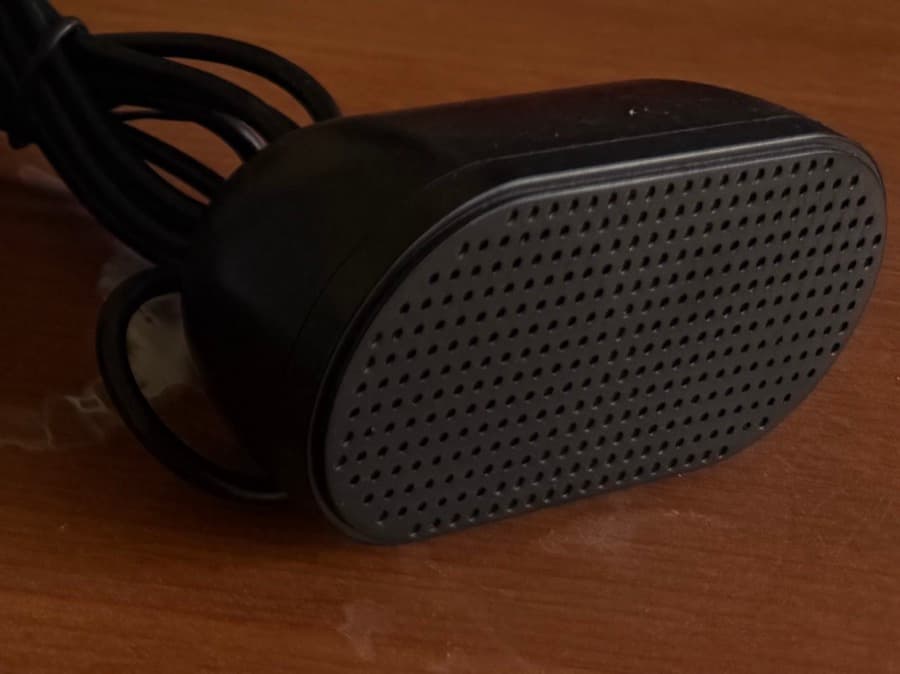
Any powered USB speaker. This is the one on the desk in the video, and it cost twenty dollars.
what to look for ↓Any USB mini mic. The one in a webcam you already own counts.
what to look for ↓no link yet · any brand works
Listed for completeness. Buying these new is usually a waste.
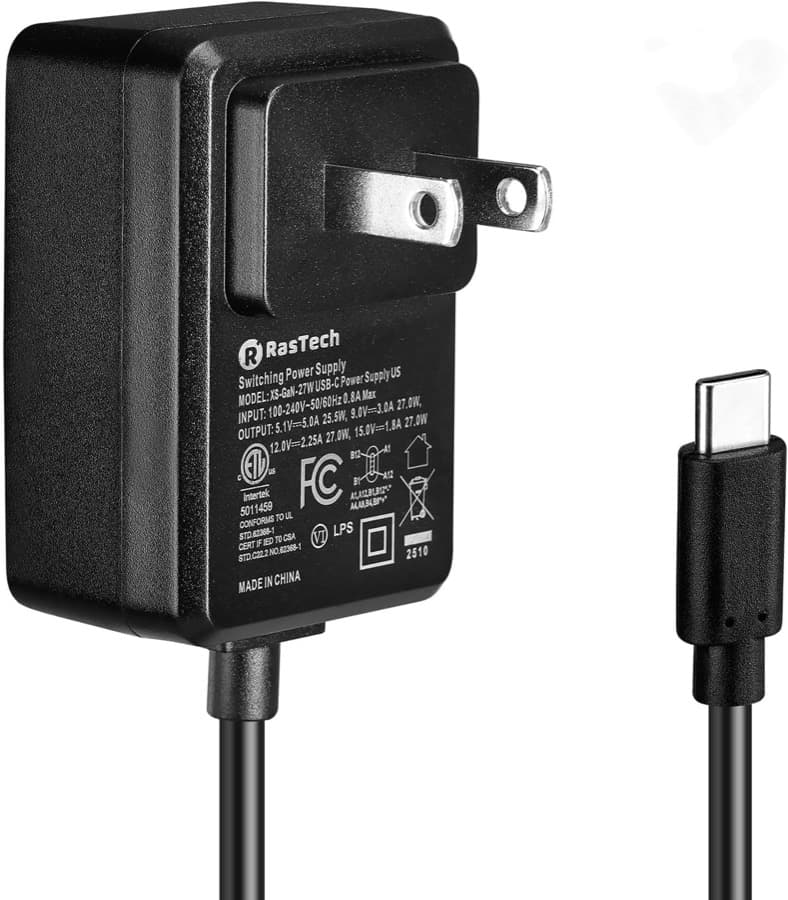
Whatever powers the board you already have. A Pi 5 wants the 27 W one.
what to look for ↓no link yet · any brand works
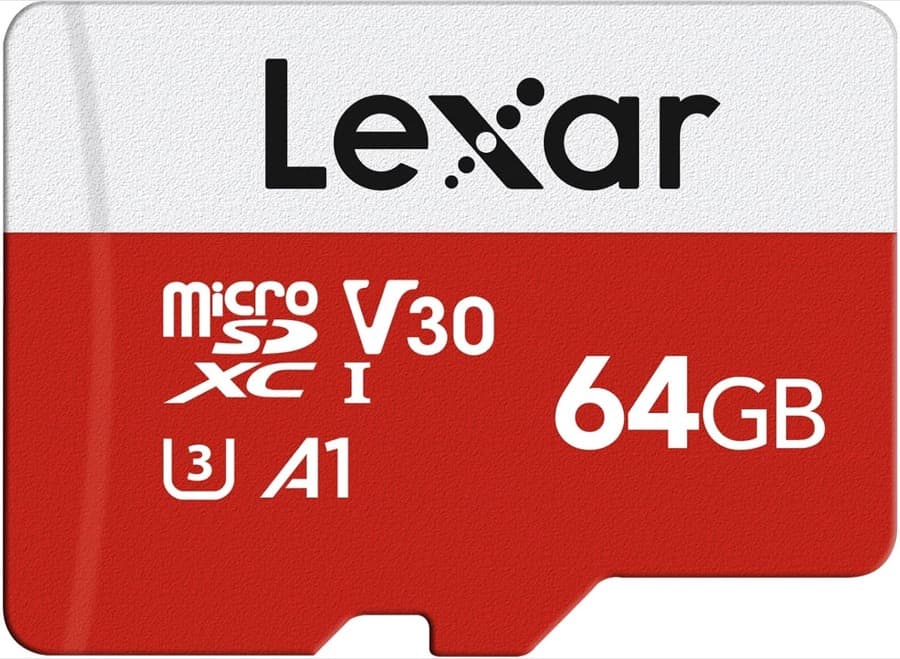
You have one. 16 GB and up, and any brand you already trust.
what to look for ↓no link yet · any brand works
what it costs
$0, if the drawer comes through.
A board you already own and any screen you can plug into it is the entire requirement. Everything below is what it costs starting from nothing.
Canadian dollars, checked 25 aug 2026. These are figures I last saw, not figures I track — Amazon's number on the day is the real one, and it will differ.
Prices are in Canadian dollars and were checked by hand on 25 aug 2026; they are not live, and the links go to Amazon.ca. Whatever Amazon shows you on the day is the real number.